Comparison Operators
Sql tutorial · PySpark.in
3. QUERYING WITH SQL
Querying means retrieving specific data from a database using SQL queries.
Using SQL queries, we can:
- Filter rows
- Compare values
- Retrieve only required data
- Analyze information stored in tables
Product Table Example
Suppose we have a product table storing product details.
name | category | price | brand | rating |
|---|---|---|---|---|
Chips | Food | 20 | Lays | 4.5 |
Shampoo | Cosmetics | 150 | Dove | 4.2 |
Biscuits | Food | 30 | Britannia | 4.4 |
Mobile | Electronics | 25000 | Samsung | 4.7 |
We use SQL queries to retrieve required products from this table.
3.1 Comparison Operators
Comparison operators are used in the WHERE clause to compare values.
These operators help us filter specific rows from a table.
Comparison Operators Table
Operator | Description |
|---|---|
= | Equal to |
<> | Not equal to |
< | Less than |
<= | Less than or equal to |
> | Greater than |
>= | Greater than or equal to |
Using Comparison Operators with WHERE
Comparison operators are mostly used together with the WHERE clause.
Syntax
```
hide
SELECT *
FROM table_name
WHERE condition;
```
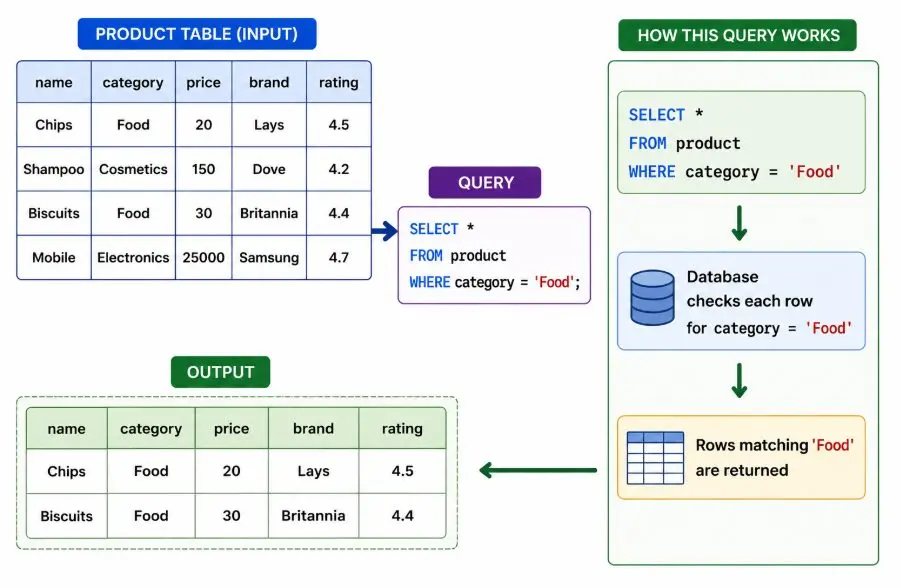
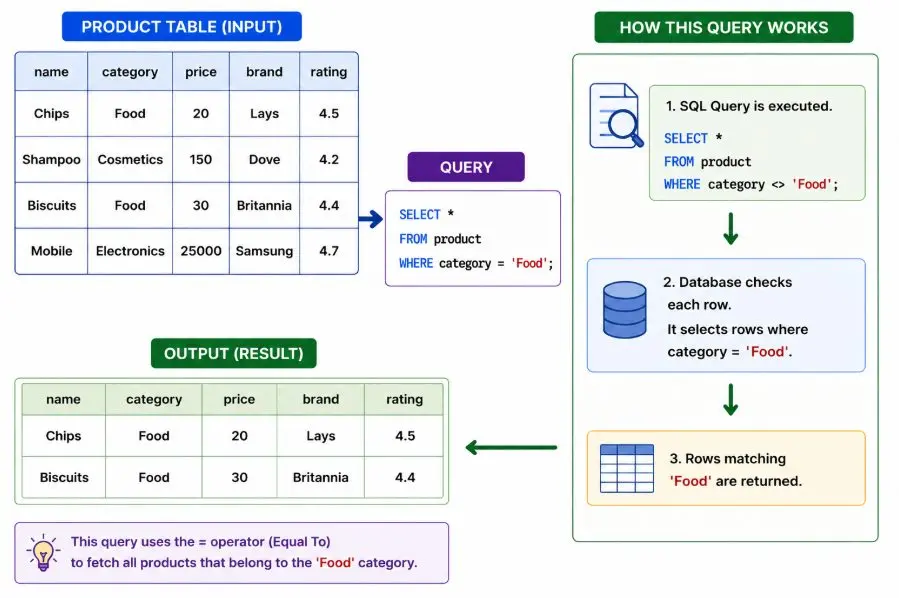
Example 1: Equal To (=)
Retrieve all products whose category is "Food".
```
hide
SELECT *
FROM product
WHERE category = 'Food';
```
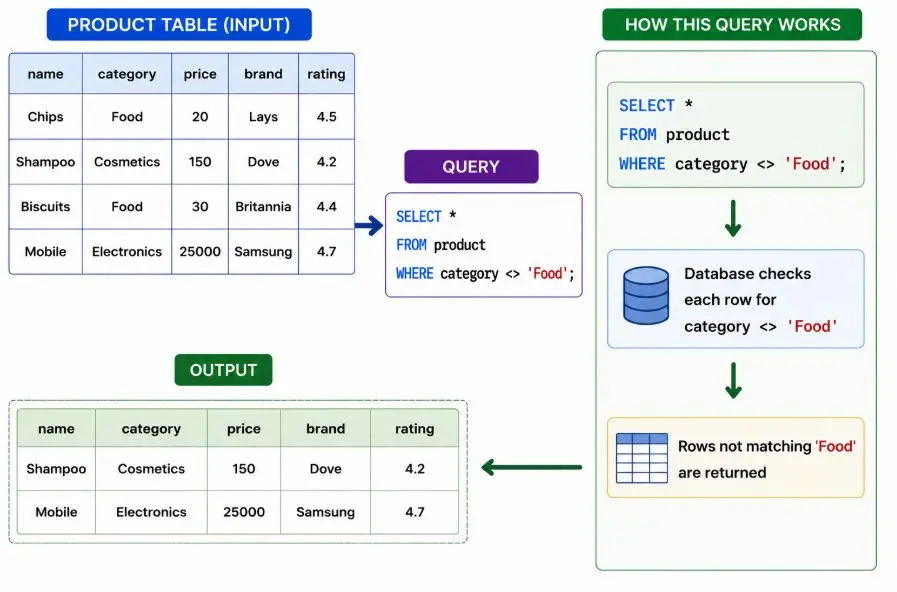
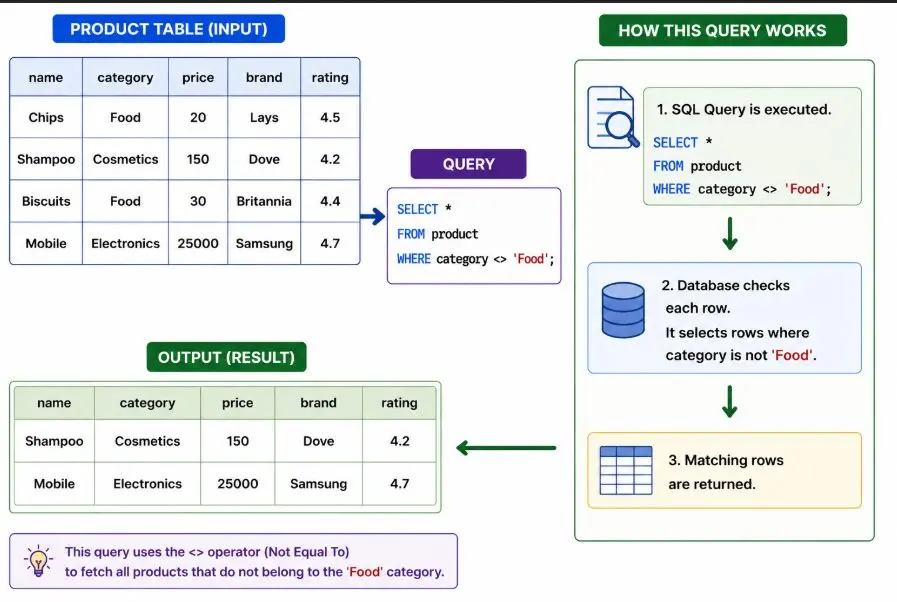
Example 2: Not Equal To (<>)
Retrieve all products that do not belong to the "Food" category.
```
hide
SELECT *
FROM product
WHERE category <> 'Food';
```
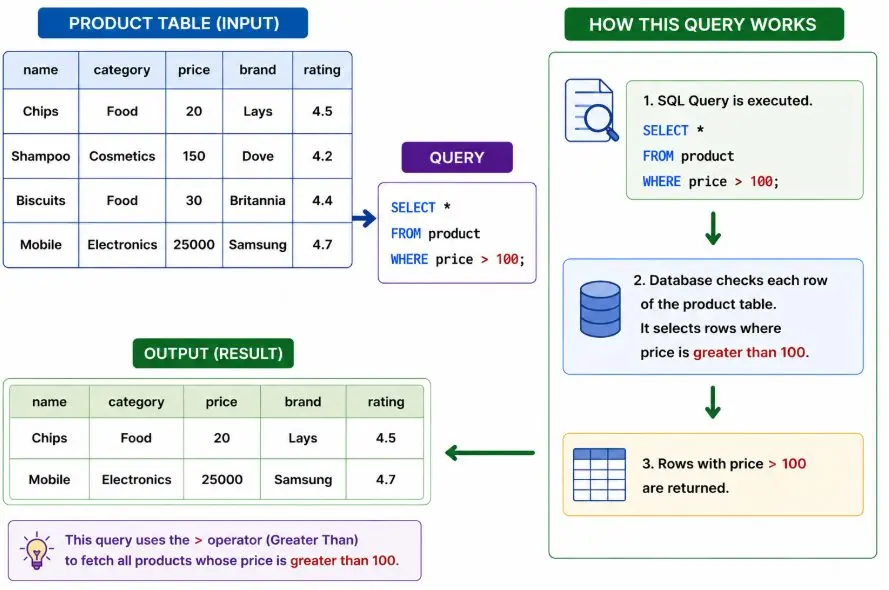
Example 3: Greater Than (>)
Retrieve products whose price is greater than 100.
```
hide
SELECT *
FROM product
WHERE price > 100;
```
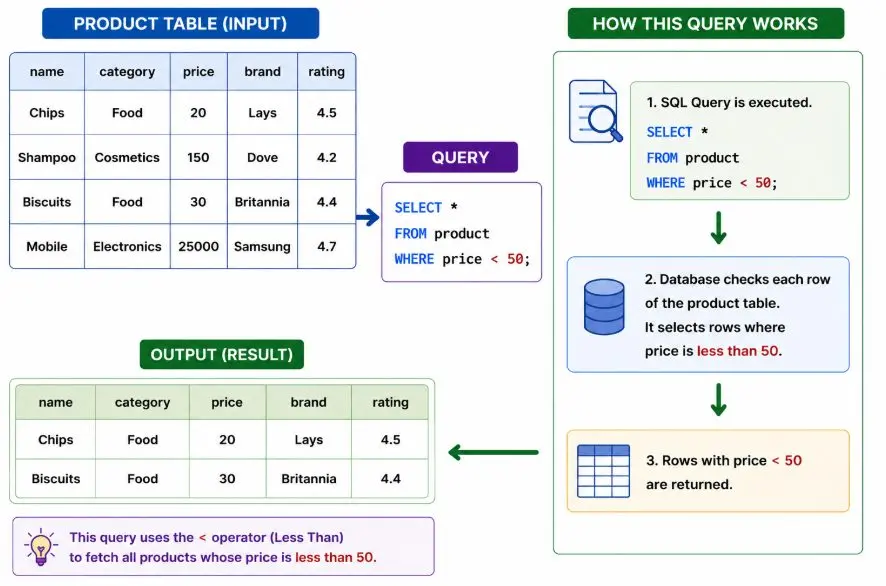
Example 4: Less Than (<)
Retrieve products whose price is less than 50.
```
hide
SELECT *
FROM product
WHERE price < 50;
```
Example 5: Greater Than or Equal To (>=)
Retrieve products whose rating is greater than or equal to 4.5.
```
hide
SELECT *
FROM product
WHERE rating >= 4.5;
```
Example 6: Less Than or Equal To (<=)
Retrieve products whose price is less than or equal to 30.
```
hide
SELECT *
FROM product
WHERE price <= 30;
```
Complete Example
```
sql
CREATE TABLE product (
name VARCHAR(200),
category VARCHAR(100),
price INTEGER,
brand VARCHAR(100),
rating FLOAT
);
INSERT INTO product (name, category, price, brand, rating)
VALUES
('Chips', 'Food', 20, 'Lays', 4.5),
('Shampoo', 'Cosmetics', 150, 'Dove', 4.2),
('Biscuits', 'Food', 30, 'Britannia', 4.4),
('Mobile', 'Electronics', 25000, 'Samsung', 4.7);
SELECT *
FROM product
WHERE category = 'Food';
```
Final Output
name | category | price | brand | rating |
|---|---|---|---|---|
Chips | Food | 20 | Lays | 4.5 |
Biscuits | Food | 30 | Britannia | 4.4 |
Common Mistakes
Mistake 1: Missing Quotes for Text Values
Wrong
```
sql
SELECT *
FROM product
WHERE category = Food;
```
Correct
```
sql
SELECT *
FROM product
WHERE category = 'Food';
```
Mistake 2: Using Wrong Column Name
```
sql
SELECT *
FROM product
WHERE categories = 'Food';
```
Error
Error: no such column: categories
Summary
Operator | Purpose |
|---|---|
= | Equal to |
<> | Not equal to |
> | Greater than |
< | Less than |
>= | Greater than or equal |
<= | Less than or equal |
More Sql tutorials
All tutorials · Try the free PySpark compiler · Practice challenges