Updating and Deleting Data in Delta Lake
Spark tutorial · PySpark.in
Updating and Deleting Data in Delta Lake
PRACTICAL LESSON | APACHE SPARK & DATABRICKS
In this lesson, we're going to look at how to update and delete data from a Delta Lake table.
This is one of the important differences between a traditional file-based Data Lake and Delta Lake. With ordinary data lake files, we couldn't directly update or delete individual records using built-in table transactions. Delta Lake changes that by supporting UPDATE, DELETE, and MERGE operations.
Here, we'll focus on UPDATE and DELETE operations using both SQL statements and the Python DeltaTable API. We'll continue working with the results_managed table from the previous lesson.
1. Update Records in a Delta Table
Let's start by looking at the Delta Lake documentation. Delta Lake supports standard SQL UPDATE statements and an equivalent Python API. For Python operations, we'll use the DeltaTable class.
Now switch to the Databricks notebook and open the f1_demo.results_managed table. In our sample Formula 1 results, the existing points column contains the original race points: the first-place driver has 25 points, and other positions have their own values.
For this demonstration, we want to replace those values with a different scoring system. Previously, we calculated the new points in a separate column. This time, we'll update the existing points column directly.
1.1 Update the Table Using SQL
We want the driver who finished first to receive 10 points, the second-place driver to receive 9 points, and so on. The formula is 11 minus the finishing position.
Only drivers who finished in the top 10 should receive these updated points, so we'll add a WHERE condition for positions less than or equal to 10.
SQL — UPDATE POINTS FOR THE TOP 10
``` hide UPDATE f1_demo.results_managed SET points = 11 - position WHERE position <= 10; ``` |
After running the statement, Delta Lake updates the matching rows. We can check the result using a SELECT statement.
SQL — VIEW UPDATED ROWS
``` hide SELECT position, points FROM f1_demo.results_managed ORDER BY position; ``` |
The driver in position 1 now has 10 points, position 2 has 9 points, and so on. This shows how a Delta table can be updated without manually rewriting partitions in the notebook.
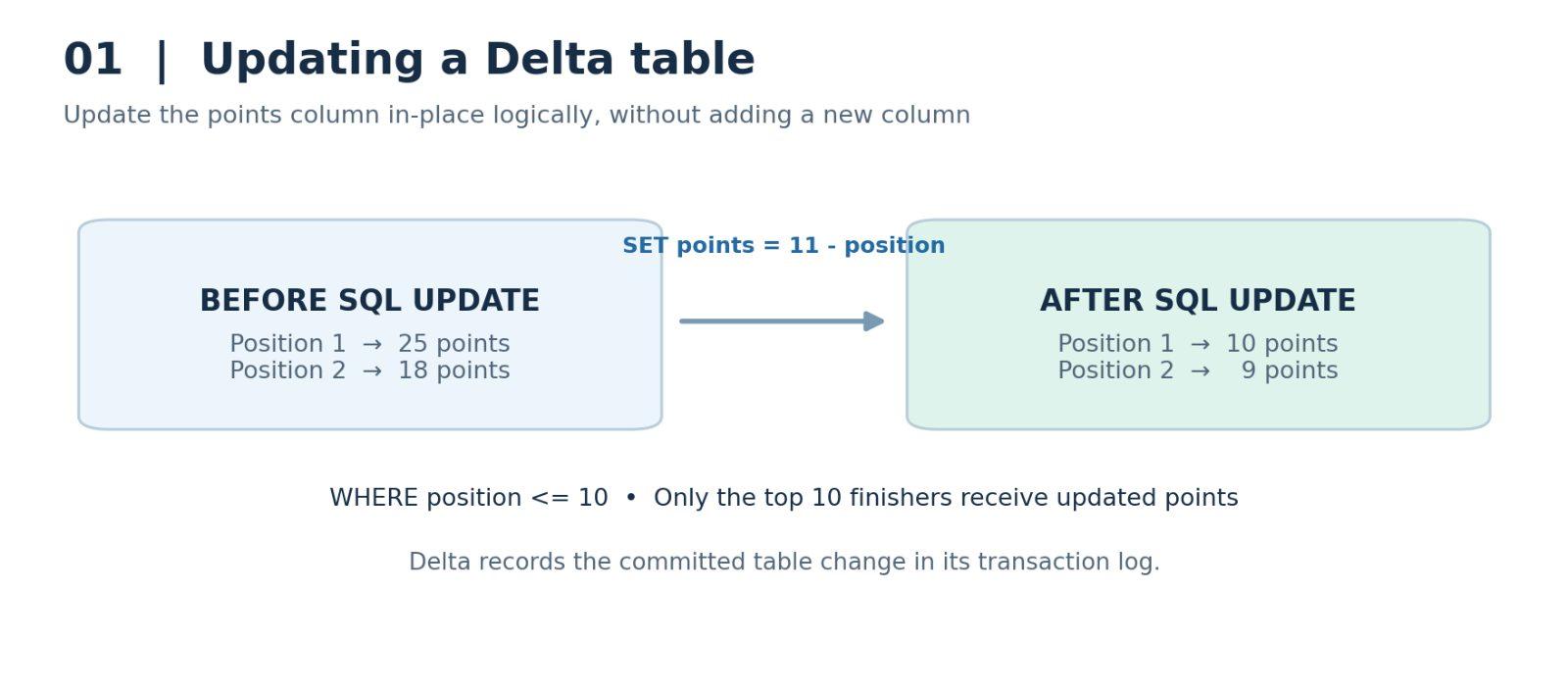
Figure 1. Updating the existing points column using a SQL expression.
2. Update Records Using Python
Next, let's perform the same type of operation using Python. The Delta Lake documentation provides examples using the DeltaTable API.
The API can accept conditions and expressions written as SQL strings, or it can use PySpark Column expressions. We'll use SQL expression strings here because they are easier to compare with the SQL statement we've just written.
First, import DeltaTable from the delta.tables module and reference our managed table. The forName method uses the registered table name; forPath can be used when you want to reference a Delta table by its storage path.
PYTHON — GET THE MANAGED DELTA TABLE
``` hide from delta.tables import DeltaTable delta_table = DeltaTable.forName( spark, "f1_demo.results_managed" ) ``` |
Now provide the condition and the values we want to update. This time, let's use 21 minus the position instead of 11 minus the position. That means the first-place driver will receive 20 points, the second-place driver 19 points, and so on.
PYTHON — UPDATE WITH SQL-STYLE EXPRESSIONS
``` hide delta_table.update( condition="position <= 10", set={"points": "21 - position"} ) ``` |
Let's run the SELECT statement again to view the results.
SQL — CHECK THE PYTHON UPDATE
``` hide SELECT position, points FROM f1_demo.results_managed ORDER BY position; ``` |
We can now see that the values have changed again: the first driver has 20 points, the second has 19 points, and so on. That's how to perform an UPDATE with Python.
Scala also provides a very similar Delta Lake API. The main difference is the language syntax—for example, Scala maps are used instead of Python dictionaries.
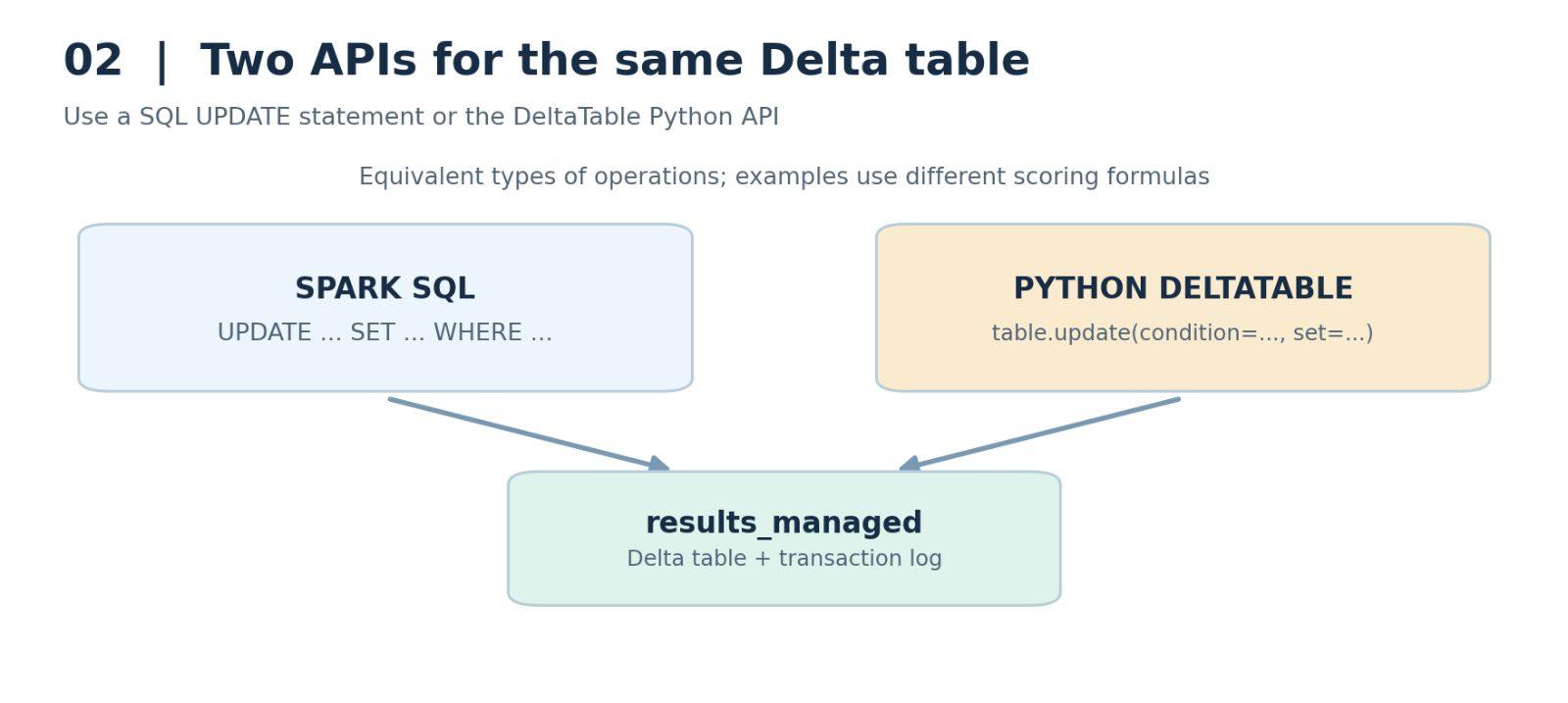
Figure 2. SQL UPDATE and Python DeltaTable.update operate on the same Delta table.
3. Delete Records from a Delta Table
Now let's move on to deleting data. Delta Lake supports DELETE statements in SQL and a delete method in the Python DeltaTable API.
With SQL, we write DELETE FROM followed by the table name. We can add a WHERE clause to specify which rows should be removed. With Python, we call delete and pass the condition that identifies the records to remove.
3.1 Delete Records Using SQL
Let's return to the Databricks notebook and work with our managed table. First, we'll delete the results for drivers who finished outside the top 10.
SQL — DELETE FINISHERS OUTSIDE THE TOP 10
``` hide DELETE FROM f1_demo.results_managed WHERE position > 10; ``` |
After executing the DELETE statement, we'll query the table again.
SQL — INSPECT REMAINING RECORDS
``` hide SELECT * FROM f1_demo.results_managed; ``` |
We might expect to see only 10 records, but in this sample we still see 12. The first 10 rows belong to drivers with finishing positions 1 through 10. The remaining two rows belong to drivers who did not finish the race.
In the source data, the missing finishing positions were represented by the text \N. That placeholder originated from MySQL, and this demo did not clean it up before loading the data.
As a result, those two records were not removed by the position > 10 filter. If the values are read as SQL NULL, a comparison with NULL does not evaluate to TRUE and the rows are not selected by the DELETE condition.
NOTE The handling of the literal \N depends on the imported column type and parsing settings. In a production pipeline, missing values should be normalized and the column types validated before applying numeric filters. |
4. Delete Records Using Python
We still want to remove the two remaining non-finishers. In our sample data, both drivers have zero points, so we'll use the points column to identify them.
We can reuse the DeltaTable object from the earlier Python example. Instead of calling update, we call delete. The delete method needs only the condition that determines which rows should be removed.
PYTHON — DELETE THE ZERO-POINT RECORDS
``` hide delta_table.delete( condition="points = 0" ) ``` |
Execute this command and query the table one more time.
SQL — VERIFY THE REMAINING ROWS
``` hide SELECT * FROM f1_demo.results_managed; ``` |
The output now contains 10 records, representing the drivers who finished in the top 10. We've successfully deleted the unwanted rows from the Delta table.
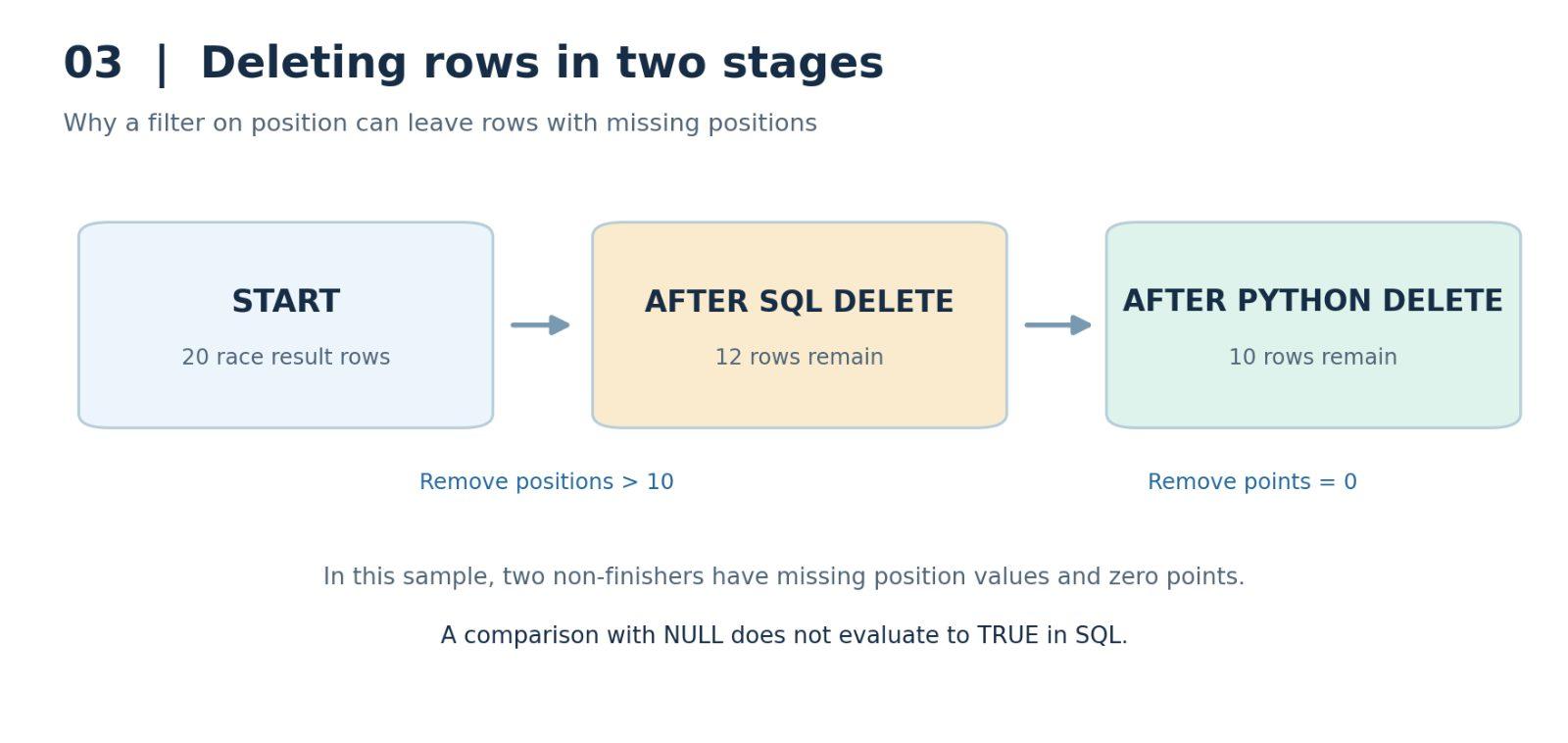
Figure 3. Deleting rows by position, then removing remaining zero-point records.
NOTE Deleting all rows with points = 0 is appropriate for this specific demonstration. In a real dataset, use a condition that uniquely identifies the intended records so valid zero-point results are not deleted accidentally. |
5. Lesson Summary
We've now learned how to update and delete records in Delta Lake tables using both SQL statements and the Python DeltaTable API.
For updates, we used SQL UPDATE with SET and WHERE, and Python DeltaTable.update with a condition and a dictionary of values. For deletions, we used SQL DELETE FROM with WHERE, and Python DeltaTable.delete with a condition.
Delta Lake makes these table operations easier to manage than manually rewriting files in a traditional Data Lake. The same concepts are available in Scala, with minor differences in syntax.
That's the end of this lesson. I'll see you in the next one.
More Spark tutorials
- Apache Spark Runtime Architecture
- Introduction to RDD
- Actions vs Transformations
- Lazy Evaluation in PySpark
- DataFrame Operations in PySpark
- Spark SQL Basics
All tutorials · Try the free PySpark compiler · Practice challenges